
Best FilterPixel Alternatives for Photographers (2026)
By The Photo Testers · Updated July 2026 · 8 min read
We research every tool and keep pricing current. Some links below are affiliate links, which means we earn a commission if you sign up through them. It does not change what we write. Pricing is current as of July 2026, but always confirm on the vendor's own page.
Best all-in-one alternative: Aftershoot. Culling, editing, and retouching in one offline app at a flat, unlimited price.
Best for creative control: Narrative Select. The fastest RAW browsing, with a free tier, and it keeps you making the final calls.
Best editing quality: Imagen AI. If your real need is editing rather than culling, Imagen's style matching is the strongest here.
Best pure-speed manual option: Photo Mechanic. No AI, but a one-time purchase and legendary browsing speed.
Why look for a FilterPixel alternative
FilterPixel is a capable culling tool, and its DeepCull genre-aware culling is a genuinely good idea. But it's not the right fit for everyone, and a few things send photographers looking:
You want an all-in-one tool. FilterPixel is culling-first. If you also want editing and retouching in the same app, other tools cover more of the workflow.
You want to work offline. Some of FilterPixel's processing is cloud-based. If you shoot at venues with poor internet or want your files staying on your machine, a local-first tool fits better.
You'd rather not pay a subscription. If you want to own your software outright, there's a one-time-purchase option worth knowing about.
You want the AI to fully decide, or fully get out of the way. Different tools sit at different points on that spectrum.
Here's what to switch to, and who each one suits.
The comparison
| Tool | Best for | Pricing | Offline | |
|---|---|---|---|---|
| Aftershoot (best overall) | All-in-one | Flat, unlimited | ✓ Yes | View |
| Narrative Select | Creative control | Free + flat | ✓ Yes | View |
| Imagen AI | Editing quality | Per photo | ✗ No | View |
| Photo Mechanic | Manual speed | One-time | ✓ Yes | View |
| Evoto | Portrait retouching | Credits | ✓ Yes | View |
Researched July 2026. Confirm current pricing with each vendor.
1. Aftershoot — best all-in-one alternative
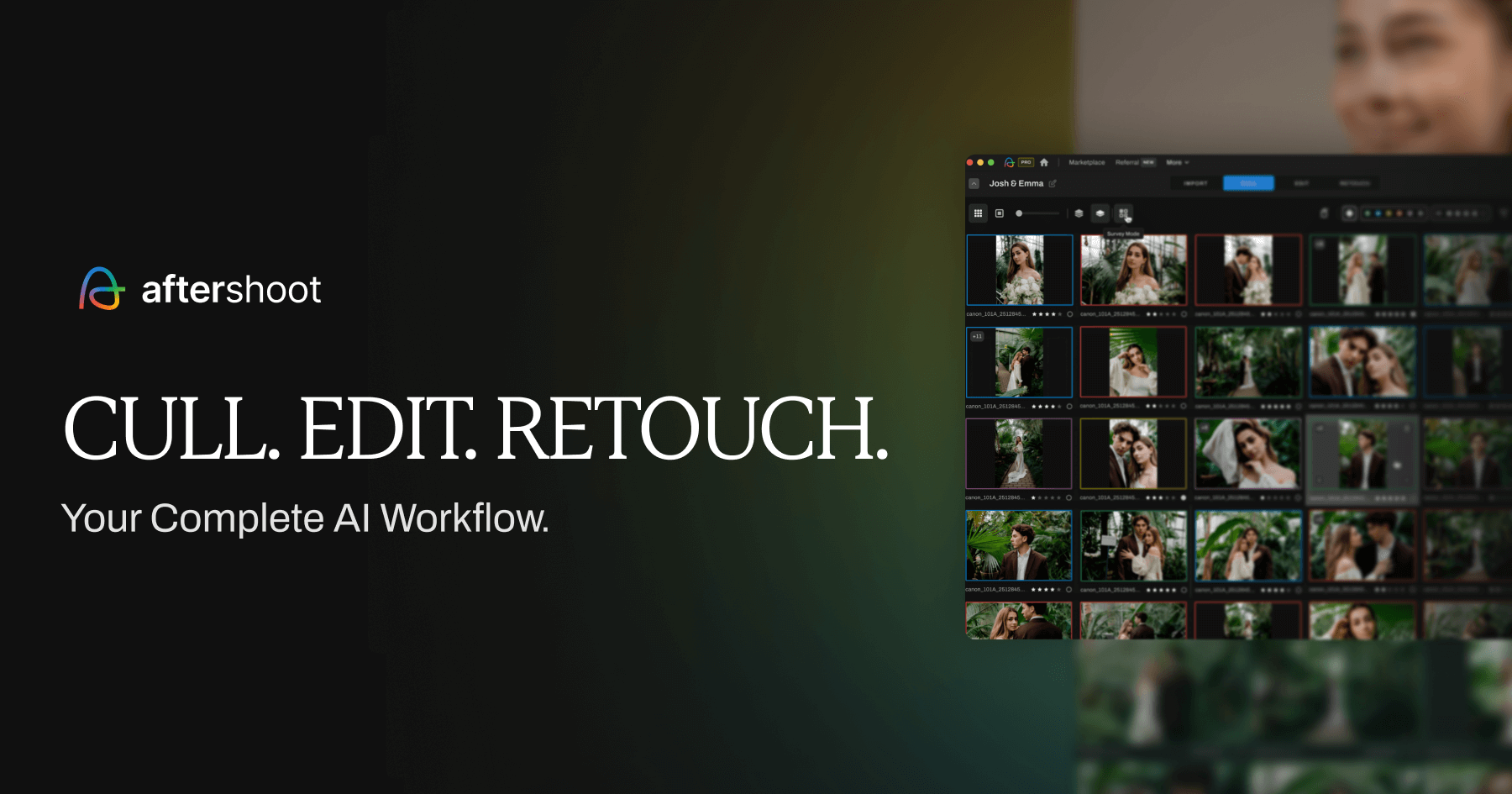
If you want more than culling, Aftershoot is the natural switch. It handles culling, editing, and retouching in one offline app, and its pricing is flat and unlimited rather than tied to volume.
Aftershoot now offers four plans, all with a 30 day free trial of the full Pro tier. Pricing runs from Selects (culling only) at $14.99/month, or $9.99/month billed annually up to the full-workflow tiers. The key difference from FilterPixel: it does the whole post-shoot workflow, not just selection, and it runs entirely on your machine.
The honest trade-off versus FilterPixel: Aftershoot's culling uses a general model that learns from your behavior over time, whereas FilterPixel's DeepCull is pre-trained per genre and works from the first use. And because Aftershoot processes locally, it leans on your hardware, so an older laptop will feel it.
Good
- Culling, editing, and retouching in one app
- Flat, unlimited pricing regardless of volume
- Works fully offline; files stay on your machine
- 30-day full-access trial, no card
Not so good
- Culling model learns over time rather than genre-pretrained
- Needs decent hardware (16GB RAM) since it runs locally
Pricing: From $9.99/mo annual (culling) to full-workflow tiers (July 2026).
Try Aftershoot free2. Narrative Select — best for creative control
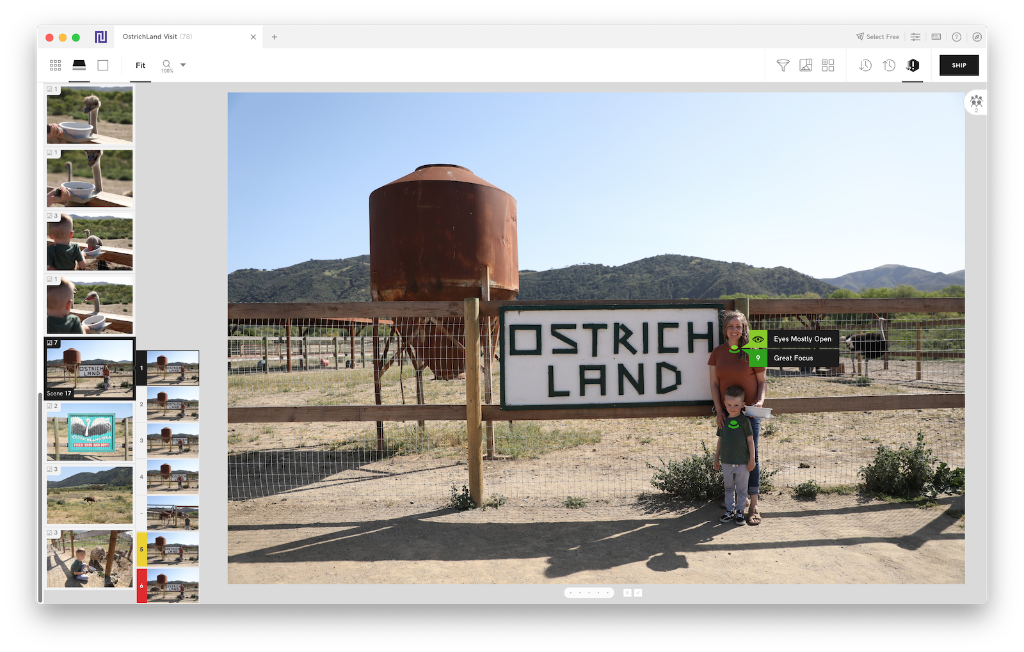
If FilterPixel felt like it was making too many decisions for you, Narrative Select is the opposite philosophy. It's built to help you cull faster while you stay in control of the final selections, rather than handing the choices to the AI.
Its standout is speed: RAW previews render almost instantly, so browsing thousands of files is genuinely fast, especially on Apple Silicon Macs. It has a free tier to start, works offline, and ships selections straight into Lightroom. For photographers who don't want to second-guess an AI's picks, this assist-don't-decide approach is the draw.
Good
- Fastest RAW browsing available
- Keeps you in creative control
- Free tier; works offline; ships to Lightroom
Not so good
- Assists rather than fully automates
- No personalized genre learning
Pricing: Free tier available; paid plans add unlimited features (July 2026).
View Narrative Select3. Imagen AI — best if editing is the real need
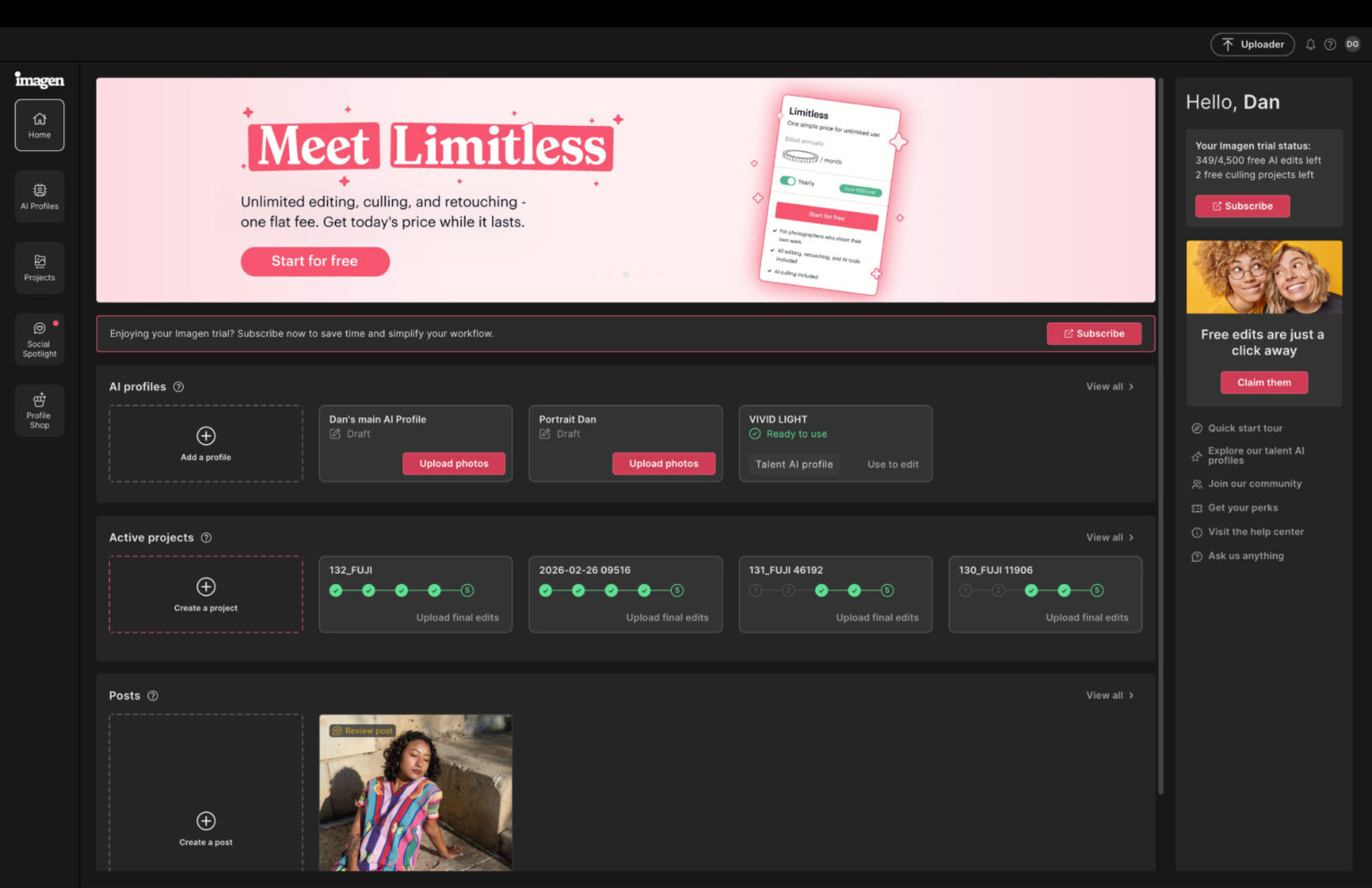
Sometimes "I need a FilterPixel alternative" really means "culling isn't actually my bottleneck, editing is." If that's you, Imagen is the strongest editor in this list, known for clean, consistent edits and excellent skin tones inside Lightroom Classic.
The catch is the pricing model. Imagen AI pricing in 2026: Pay-as-you-go costs $0.05 per photo with a minimum $7/month charge. That's fine at low volume and expensive at wedding volume. And on culling specifically, be clear-eyed: even Imagen's own comparisons concede culling is a secondary feature, so don't switch to Imagen for culling, switch for editing.
Good
- Best editing quality and style matching here
- Excellent skin tones for weddings and portraits
- Pro "Talent" profiles for an instant professional look
Not so good
- Per-photo pricing punishes high volume
- Cloud-only; culling is a secondary feature
Pricing: From $0.05/photo (min $7/mo) (July 2026).
View Imagen AI4. Photo Mechanic — best one-time-purchase option
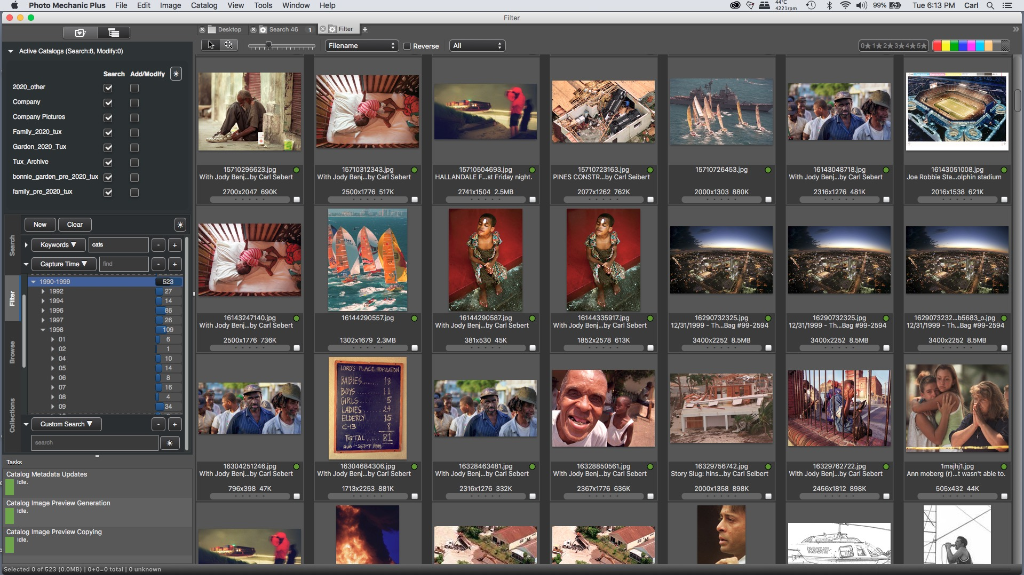
If subscriptions are what you're trying to escape, Photo Mechanic is the classic answer. It's not an AI tool, it's a legendarily fast manual browser and ingestion tool that professionals have trusted for years. You buy it once and own it.
Photo Mechanic 6 costs $139 one-time and Photo Mechanic Plus costs $249 one-time. Neither version includes any AI culling features. So the honest framing: you're trading AI automation for speed, control, and no recurring bill. Many photographers pair it with an AI tool, but if you prefer to cull manually at high speed and own your software, it stands alone.
Good
- One-time purchase, no subscription
- Legendary browsing and ingestion speed
- Total manual control
Not so good
- No AI culling at all
- You do the selection work yourself
Pricing: $139 one-time (Photo Mechanic 6); $249 (Plus) (July 2026).
View Photo Mechanic5. Evoto — best if you also need retouching
If part of your reason for looking around is that you need retouching, not just culling, Evoto is worth a look. It's the portrait-retouching specialist, skin, glare, stray hairs, backgrounds, mostly via sliders and applied across a batch. It added AI culling in late 2025, so it can do both, though retouching is its core.
Its pricing is a credit system rather than a subscription: you edit for free and spend credits to export. Worth knowing that the credit model is easy to overspend on if you lose track, so it suits photographers who want retouching muscle above all.

Good
- Excellent portrait retouching via sliders
- Batch retouching with per-subject adjustments
- Added AI culling in late 2025
Not so good
- Credit-per-export model, easy to overspend
- Retouching-first; culling is newer and secondary
Pricing: Free to edit; credits required to export (July 2026).
View EvotoA note on "alternative" articles
One honest heads-up, since you're comparing tools. If you search "FilterPixel alternative" or "Aftershoot alternative," most of the top results are published by the competing tools themselves, FilterPixel has pages arguing you should leave Aftershoot, and so on. They're not wrong exactly, but they're written to reach one conclusion.
We don't have a horse in the race beyond wanting you to pick the tool that actually fits your work. So the recommendations above are by use case, not a single winner, because the right FilterPixel alternative genuinely depends on whether your bottleneck is culling, editing, retouching, or your monthly bill.
So, which alternative?
Want an all-in-one tool that also edits and retouches? Aftershoot.
Want to cull fast but keep the final say? Narrative Select, and its free tier makes it easy to try.
Is editing your real bottleneck, not culling? Imagen AI.
Trying to escape subscriptions? Photo Mechanic, bought once and owned.
Need serious portrait retouching too? Evoto.
Nearly all of them offer a free trial or free tier. Since the right fit depends entirely on your genre, volume, and what's actually slowing you down, test two on a real shoot before committing.
FAQ
What is the best FilterPixel alternative? For most photographers, Aftershoot, because it adds editing and retouching to culling in one offline app at a flat price. If you want to keep creative control of selections, Narrative Select. If editing is your real need, Imagen AI.
Is there a free alternative to FilterPixel? Narrative Select has a free tier, and Aftershoot offers a 30-day full-access free trial. Evoto lets you edit for free and only charges credits to export.
Is there a FilterPixel alternative without a subscription? Photo Mechanic is a one-time purchase ($139 for version 6), though it's a fast manual browser with no AI culling. Among AI tools, most use subscriptions or per-photo pricing.
Which FilterPixel alternative works offline? Aftershoot, Narrative Select, Photo Mechanic, and Evoto all work offline (processing locally). Imagen AI is cloud-based and needs an internet connection.
Which alternative is best for high-volume wedding photographers? Aftershoot, thanks to flat, unlimited pricing that doesn't scale with image count, plus culling, editing, and retouching in one place. Narrative is a strong choice if you'd rather keep control of the cull.
Related: Best AI culling and editing software · Aftershoot vs Imagen · Best CRM for wedding photographers