
Aftershoot vs Imagen: Which AI Editor Wins in 2026?
By The Photo Testers · Updated July 2026 · 9 min read
We research every tool and keep pricing current. Some links below are affiliate links, which means we earn a commission if you sign up through them. It does not change what we write. Pricing is current as of July 2026, but always confirm on the vendor's own page.
It comes down to volume and where you edit.
Pick Aftershoot if you shoot high volume. Flat unlimited pricing means a 4,000-image wedding costs the same as a 400-image portrait session. It also works offline and handles culling, editing, and retouching in one app.
Pick Imagen if you live in Lightroom Classic, shoot moderate volume, and want the strongest style matching. Per-photo pricing is fine at low volume and punishing at high volume.
The rough dividing line: past roughly 800 to 1,000 images a month, Aftershoot's flat fee starts winning on cost. Below that, Imagen's pay-as-you-go can be cheaper.
One thing to know before you read any comparison
Search "Aftershoot vs Imagen" and most of what comes back is published by Aftershoot or Imagen.
Imagen's blog concludes Imagen is the superior choice. Aftershoot's blog concludes Aftershoot handles more of your workflow. Both are well written. Both are marketing.
The accuracy numbers show the problem clearly. Aftershoot reports a 90 percent accuracy rate in spotting technical flaws. Imagen reports 99.2 percent for detecting things like closed eyes and soft focus. Those are self-reported figures, measured different ways on different image sets. You cannot compare them directly, and neither company is going to publish a number that makes it look worse.
So treat the vendor stats as marketing and judge these tools on what you can actually verify: what they cost at your volume, where they run, and what they do to your workflow. That is what the rest of this covers.
The comparison
| Feature | Aftershoot | Imagen |
|---|---|---|
| Pricing model | Flat, unlimited | Per photo |
| Entry price | $9.99/mo annual | $0.05/photo ($7 min) |
| Works offline | Yes | No, cloud processing |
| Culling | Its core strength | Secondary feature |
| Editing style match | Good | Its core strength |
| Retouching included | Yes | No |
| Editor support | Lightroom, Capture One | Lightroom Classic |
| Free trial | 30 days, no card | Limited free credits |
Researched July 2026. Confirm current pricing with each vendor.
The cost math nobody runs for you
This is the decision for most photographers, so let us do it properly.
Imagen charges per photo. Pricing starts at $0.05 per photo on pay-as-you-go with a $7 monthly minimum. Annual plans run from 18,000 to 72,000 photos a year, with the popular 36,000 tier at $127.50 a month. There is also a catch worth knowing: extra AI tools cost $0.01 per photo each, and using all four pushes the effective rate to about $0.073 per photo, more than double the advertised price.
Aftershoot charges a flat fee. Selects, the culling-only plan, is $14.99 a month or $9.99 billed annually. Essentials, which adds marketplace editing styles, is $24.99 or $19.99 annually. Pro, which adds a personal AI editing profile, is $47.99 or $39.99 annually and is the plan most serious photographers land on. Volume does not change the price.
Now run it against real wedding numbers. A single wedding produces somewhere between 3,000 and 8,000 raw images. Two weddings a month at 3,000 images each is 6,000 images. On Imagen's base rate that is $300 a month before add-ons. On Aftershoot Pro it is $39.99.
That gap is why the cost analysis lands where it does. For wedding photographers processing 1,500 to 3,000 images per event, Aftershoot Pro works out roughly $900 to $1,800 cheaper a year than Imagen's per-image pricing. One photographer put the pattern bluntly, saying that at five cents a photo they would be paying around $250 a month in busy season.
But the math flips at low volume. If you shoot a handful of portrait sessions a month and process 600 images, Imagen costs you about $30 and Aftershoot Pro still costs $39.99. Pay-as-you-go genuinely wins when your volume is low or wildly seasonal, because you pay almost nothing in a quiet month.
So the honest rule: high volume favours flat rate, low or irregular volume favours per photo. Work out your monthly image count before you pick.
Culling: Aftershoot's home turf
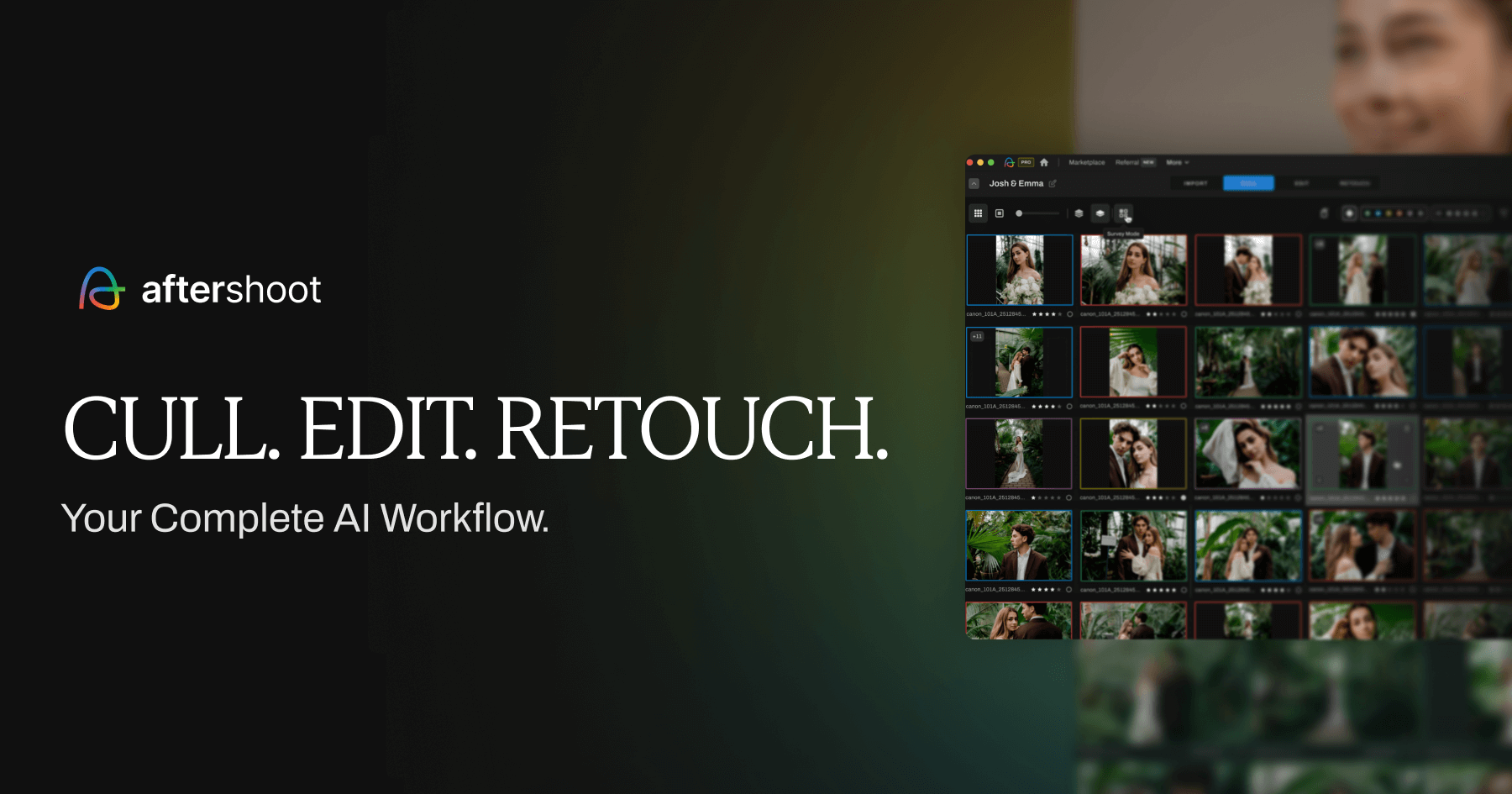
Aftershoot built its reputation here. You import a shoot and it analyses sharpness, expressions, open eyes, duplicates, pose variations, and overall quality, then makes the selections for you. It is the more automated of the two, and the company reports it cuts manual selection time by up to 80 percent.
Imagen culls too, but it is a secondary feature rather than the main event. It does have one genuinely clever twist: it uses a "cull in" approach that focuses on picking keepers, and it can show you edited previews while you are still culling. Seeing roughly what the final edit will look like while choosing keepers is useful, and no other tool really does it.
The honest caveat on both: neither is hands-off. Photographers consistently report needing a review pass, particularly in low light and fast-moving scenes. Budget for that regardless of which you pick.
Editing: Imagen's home turf
Imagen is the stronger editor, and its reputation for skin tones on weddings and portraits is well earned. It delivers clean, consistent edits directly inside Lightroom Classic.
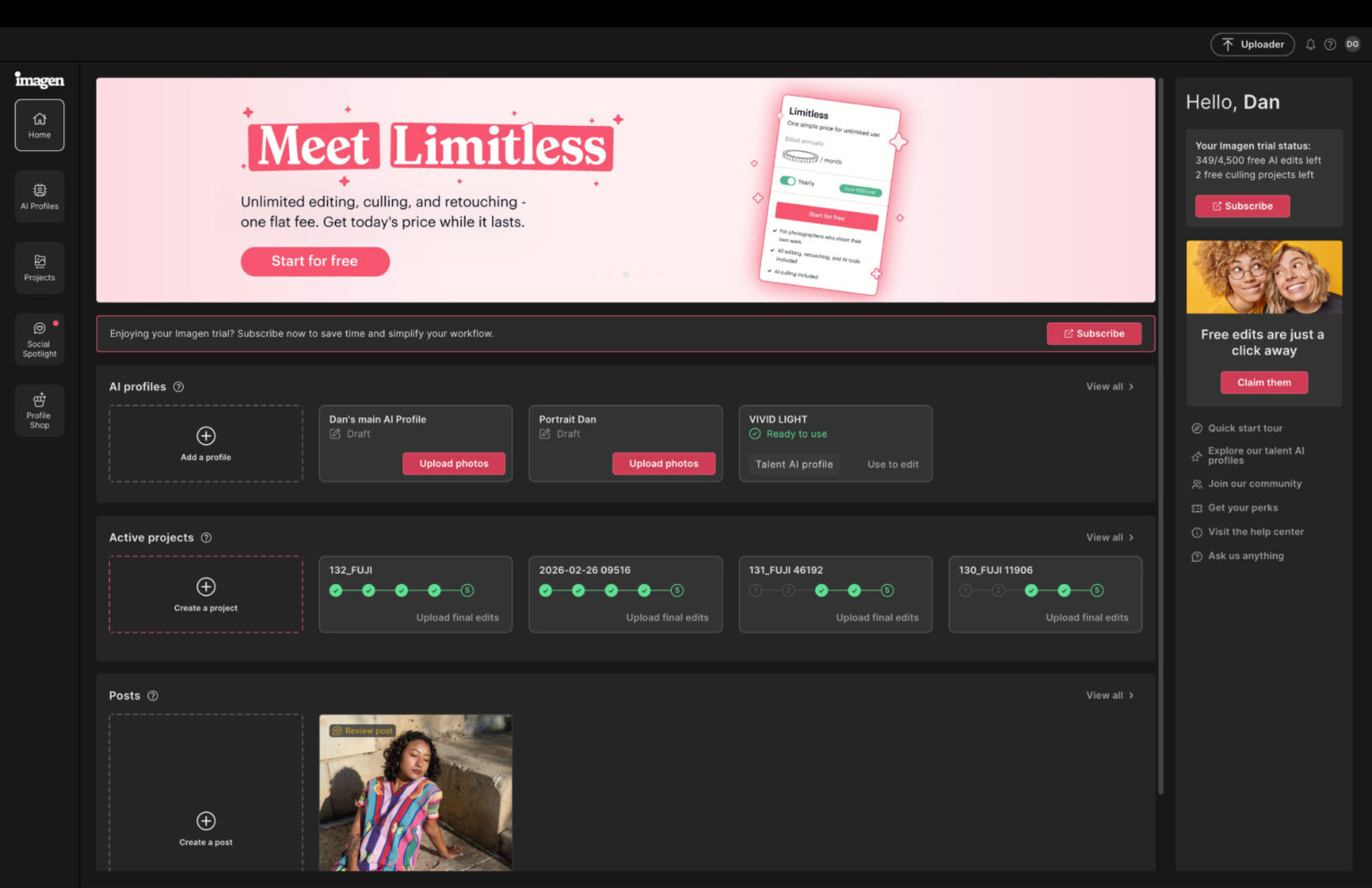
Its edge comes from two things. First, personal profiles: Imagen's personal AI profile learns from over 2,000 of your edited photos to replicate your style. Second, and this matters if you are newer, it offers Talent profiles built by well-known photographers, so you can get a strong look immediately without a big back catalogue of your own edits.
Aftershoot's editing is capable but asks more of you. Its personal profiles want 2,500 or more of your previously edited RAW files, with 5,000 plus recommended for best accuracy. If you do not have thousands of consistently edited photos already, you are leaning on its marketplace styles rather than a profile trained on you.
So if you are early in your career, Imagen's borrowed-style approach gets you a good result faster. If you have years of consistent edits behind you, either tool can learn from them.
Where they run, and why it matters
This is the difference people underrate until it bites them.
Aftershoot runs locally. Your images never leave your computer, you can work on a plane or at a venue with bad wifi, and there is no upload wait. The trade-off is that your machine does the work, and Aftershoot wants 16GB of RAM as a minimum.
Imagen processes in the cloud. That makes it far lighter on your computer, it runs fine on 8GB of RAM, but it needs a stable, fast internet connection. On an older laptop that is an advantage. On a slow connection with a 4,000 image wedding, it is a real bottleneck.
One more workflow point. Aftershoot exports to Lightroom Classic, Capture One, Photoshop, or straight to a folder. Imagen is built around Lightroom Classic. Sources disagree on whether Imagen supports Capture One, so if you shoot Capture One, confirm that directly with Imagen rather than trusting any comparison article, including this one.
What each one misses
Aftershoot's weak spots. Editing profiles need a large back catalogue to shine. Culling needs review in difficult light. Extra editing profiles and some tools cost add-on fees on top of the plan.
Imagen's weak spots. Per-photo cost punishes volume. No offline mode. Culling is not its focus. The add-on pricing quietly doubles the headline rate if you use everything.
Neither replaces your judgment. The realistic gain from either is time, not a hands-off pipeline.
So, which one?
Choose Aftershoot if you shoot weddings or events at volume, you want predictable costs, you work where the internet is unreliable, or you want culling, editing, and retouching in one place.
Choose Imagen if you edit in Lightroom Classic, your volume is moderate or seasonal, editing quality and style matching matter more to you than culling, or you are newer and want to borrow a professional look immediately.
A lot of photographers use both. Cull in Aftershoot, edit in Imagen. It costs more, but it puts each tool on the job it is actually best at.
Both let you try before paying. Aftershoot offers a 30-day free trial with full access and no credit card required. Run each on the same real shoot and compare the output yourself. That test tells you more than any comparison article, including this one.
Try Aftershoot free Try ImagenFAQ
Is Aftershoot or Imagen cheaper? It depends entirely on volume. Aftershoot is a flat fee, so it wins at high volume. Imagen charges $0.05 per photo, so it wins at low volume. The rough crossover is around 800 to 1,000 images a month.
Which has better AI culling? Aftershoot, and it is the tool's core strength. Imagen culls too, and its ability to preview edits while culling is genuinely useful, but culling is not its main focus. Both companies publish accuracy figures measured in different ways, so treat those numbers with caution.
Which has better AI editing? Imagen generally, particularly for skin tones in weddings and portraits, and its Talent profiles let newer photographers borrow a professional look immediately. Aftershoot's editing is solid but its personal profiles need thousands of your past edits to shine.
Does Aftershoot work offline? Yes. Aftershoot processes locally on your computer, so no internet is needed and your files never leave your machine. Imagen requires an internet connection because it processes in the cloud.
Can I use both together? Yes, and many photographers do. A common setup is culling in Aftershoot and editing in Imagen. You pay for both, but each handles the job it is strongest at.
Do these tools work with Capture One? Aftershoot exports to Capture One. Imagen is built around Lightroom Classic and sources conflict on its Capture One support, so confirm directly with Imagen before subscribing.
Related: Best FilterPixel alternatives · Best AI culling and editing software · Best CRM for wedding photographers