
Best Photography CRM With a Built-In Scheduler (2026)
By The Photo Testers · Updated June 2026 · 6 min read
We test every tool hands-on. Some links below are affiliate links, which means we earn a commission if you sign up through them. It does not change what we write. Pricing is current as of June 2026.
Our pick: HoneyBook. The scheduler is built into the core product, syncs with your calendar, and flows straight into your contracts and invoices.
On a budget? Pixieset. A solid scheduler on its free tier.
Considering Studio Ninja? It has no native scheduler. That's the whole reason this page exists.
The comparison
| Tool | Scheduler | Calendar sync | Starts at | |
|---|---|---|---|---|
| HoneyBook (best overall) | ✓ Built in | Google, iCal | $20/mo | Try free |
| Pixieset | ✓ Built in | Free tier | View | |
| Dubsado | ✓ Built in | Google, iCal | $20/mo | View |
| Studio Ninja | ✗ None | Add-on only | $19/mo | View |
Pricing verified June 2026. Scheduler tested on live accounts.
Why a built-in scheduler matters
Plenty of photographers run booking through a separate tool. Calendly for the call, a CRM for everything else.
That works, until it doesn't.
The problem is the seams. When your scheduler lives outside your CRM, a booking doesn't become a project. The client's details don't flow into your contract. You copy information from one place to another, and every copy is a chance to get a date wrong.
For a wedding photographer juggling twenty couples at once, those seams are where things fall through.
A built-in scheduler closes the gap. Someone books a consultation, and it lands in the same system that holds their contract, their invoice, and their gallery. One place. No re-typing.
That's the whole pitch. For a lot of photographers, it's worth choosing a CRM around.
We signed up for the main photography CRMs, set up real scheduling links, and booked test sessions through each one. Here's how they stack up.
1. HoneyBook - best overall
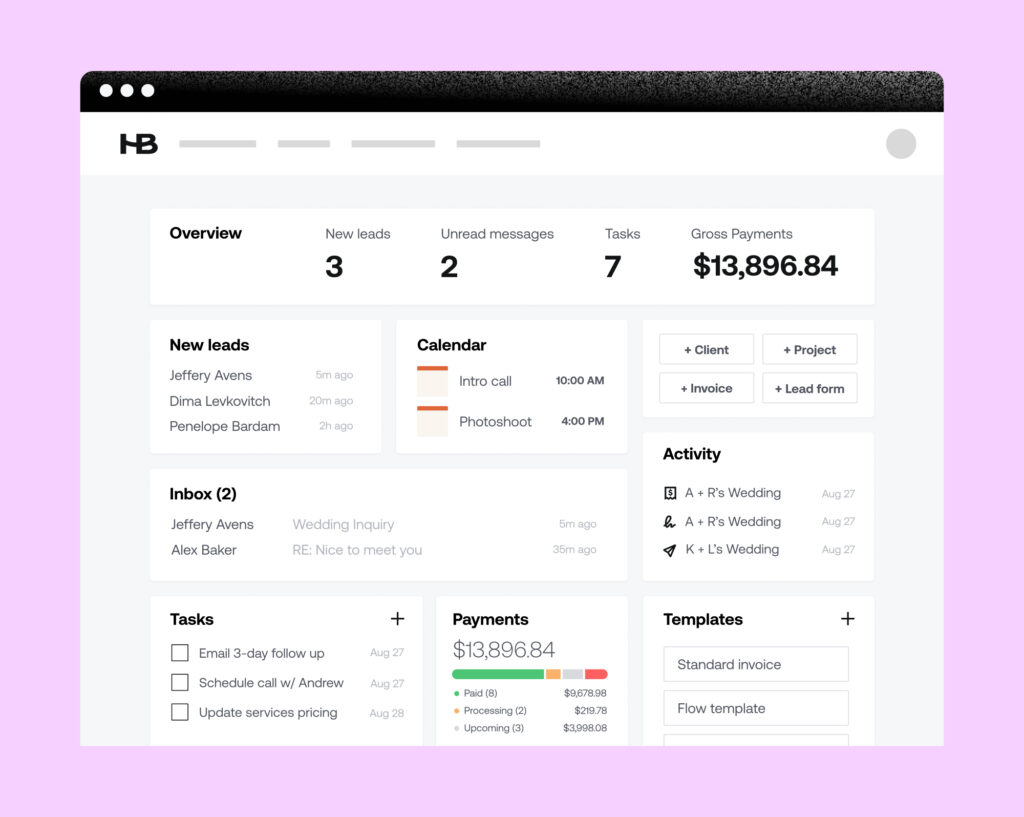
HoneyBook treats scheduling as part of the job, not a feature you bolt on.
You build a session type, set your availability, and drop the link in an email or on your site. The client picks a slot. It shows up on your calendar and inside HoneyBook at the same time, then rolls straight into a contract and an invoice.
In testing, the path from "client books a call" to "client signs a contract" was the smoothest of any tool here. Nothing had to be re-entered.
Good
- Scheduler is part of the core product, not an upsell
- Booking flows directly into contracts and invoices
- Clean, branded client booking page
- Calendar sync with Google and iCal worked cleanly
Not so good
- More features than a solo shooter may need
- Heavier than a lightweight tool if scheduling is all you want
Pricing: From $20/mo (June 2026). Free trial available.
Try HoneyBook free2. Pixieset - best on a budget
Pixieset is known for galleries, but its Studio suite includes a scheduler, and it's on the free tier, which is rare.
If your budget is tight or you're just starting out, this is the most generous entry point here.
The scheduler is more basic than HoneyBook's. Clients pick a time and it syncs to your calendar, without the deeper booking-to-contract automation. For many photographers, that's enough, and the price is hard to argue with.
Good
- Scheduler available on the free tier
- Pairs naturally with Pixieset galleries
- Simple to set up
Not so good
- Less automation with the rest of your workflow
- Calendar sync is Google-focused
Pricing: Free tier includes scheduling (June 2026).
View Pixieset3. Dubsado - capable, if you'll use the rest of it
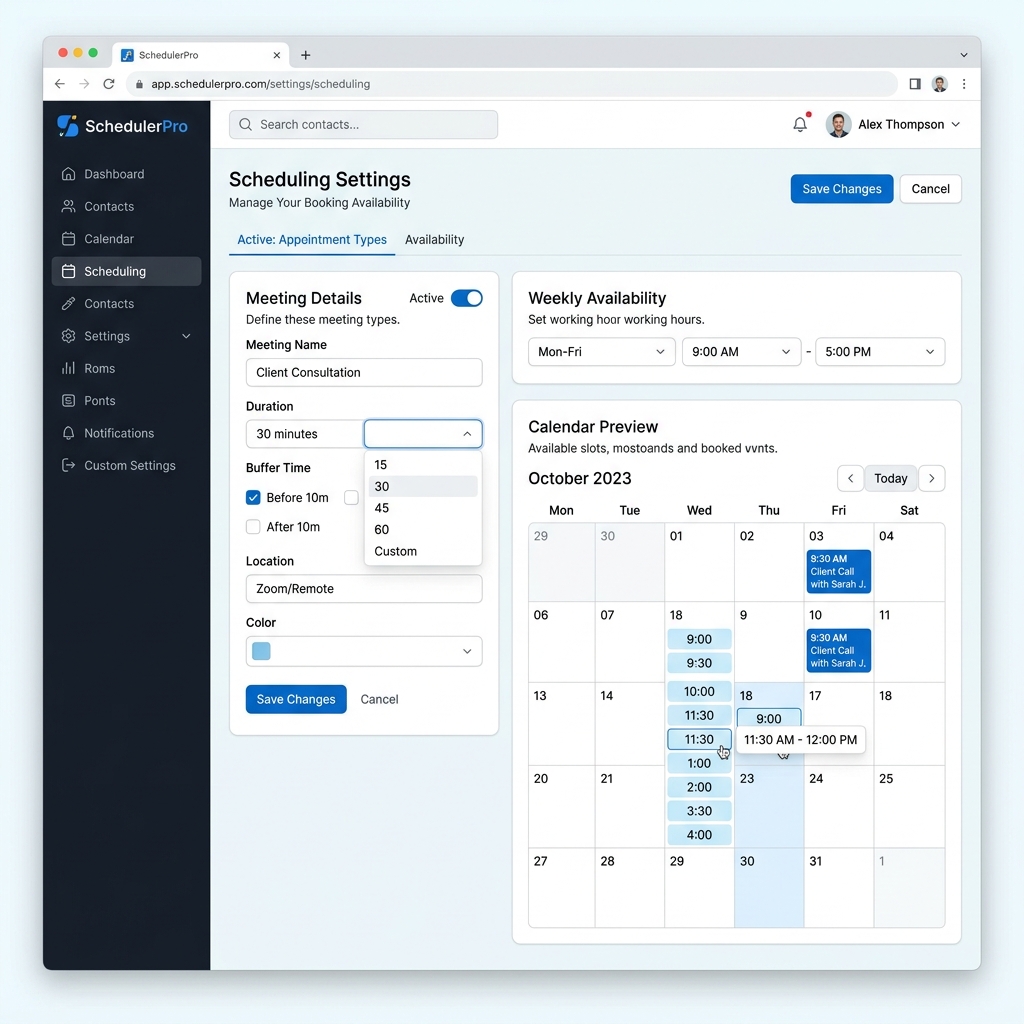
Dubsado has a built-in scheduler and is a deep, flexible CRM.
The catch: Dubsado rewards people who set it up carefully. The scheduler works well once configured, but Dubsado asks more of you up front than HoneyBook does.
If you want scheduling inside a CRM you'll fully customize, it's worth testing. If you want booking to just work out of the box, it's more tool than you need.
Good
- Flexible built-in scheduler
- Highly customizable workflows
- Free trial with no time limit (capped at a few clients)
Not so good
- Steeper setup than HoneyBook
- The flexibility is wasted if you won't configure it
Pricing: From $20/mo (June 2026).
View Dubsado4. Studio Ninja - the one without a scheduler
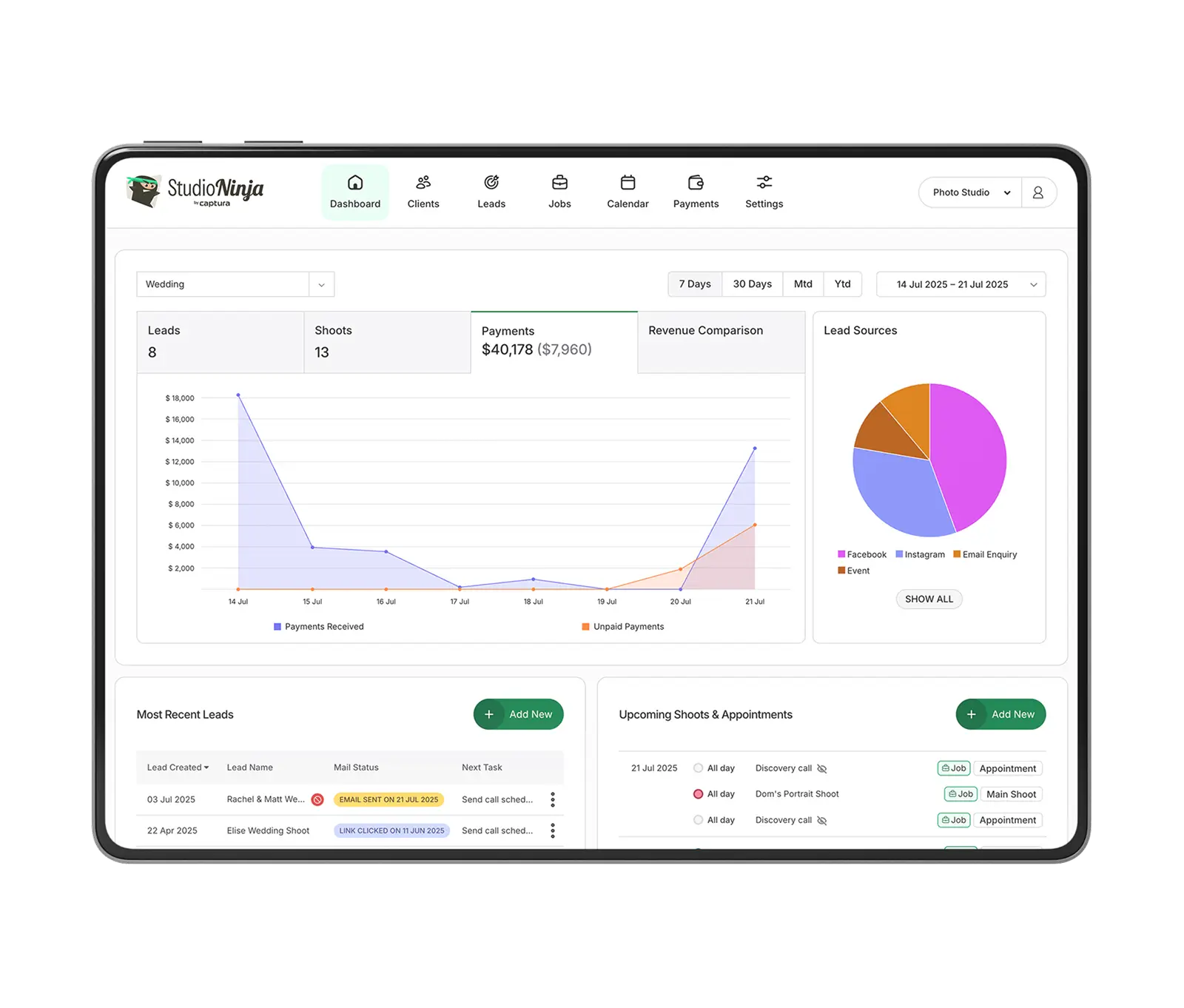
Studio Ninja is a well-liked photography CRM. If you came here asking whether it has a built-in scheduler, the straight answer is no. You connect an external scheduling tool to cover that gap.
That's fine if you're happy running a separate scheduler. But if a built-in scheduler is the feature you're choosing a CRM around, Studio Ninja isn't it, and that's worth knowing before you sign up.
Good
- Liked for its core CRM and pricing
- Clean, focused interface
Not so good
- No native scheduler - you'll add an external tool
- That add-on is one more thing to pay for and maintain
Pricing: From $19/mo (June 2026).
View Studio NinjaSo, which one?
Want scheduling that's truly built in? HoneyBook. It's what we'd point a wedding photographer toward, because the booking-to-contract flow is where it earns its keep.
Deciding on price? Start with Pixieset's free tier and see if the simpler scheduler is enough. It often is.
Were you leaning Studio Ninja? Now you know to either pair it with a separate tool or pick one of the others.
FAQ
Does Studio Ninja have a built-in scheduler? No. Studio Ninja has no native scheduler. You connect an external tool to handle bookings.
Which photography CRM has the best built-in scheduler? In our testing, HoneyBook's was the most capable, because the booking flows directly into contracts and invoices instead of sitting off to the side.
Is there a free photography CRM with a scheduler? Pixieset's free tier includes scheduling, making it the cheapest way to get a built-in scheduler when you're starting out.
Can I just use Calendly with my CRM instead? Yes, and many photographers do. The tradeoff is the manual step between a booking and the rest of your workflow. A built-in scheduler removes that step.
Related: HoneyBook vs Dubsado for wedding photographers · Cheaper alternatives to HoneyBook · Best AI Culling & Editing Software